










Personaliza tu vector
Ofrecemos una serie de complementos y opciones de personalización. Descarga el folleto para ver todas las opciones disponibles.
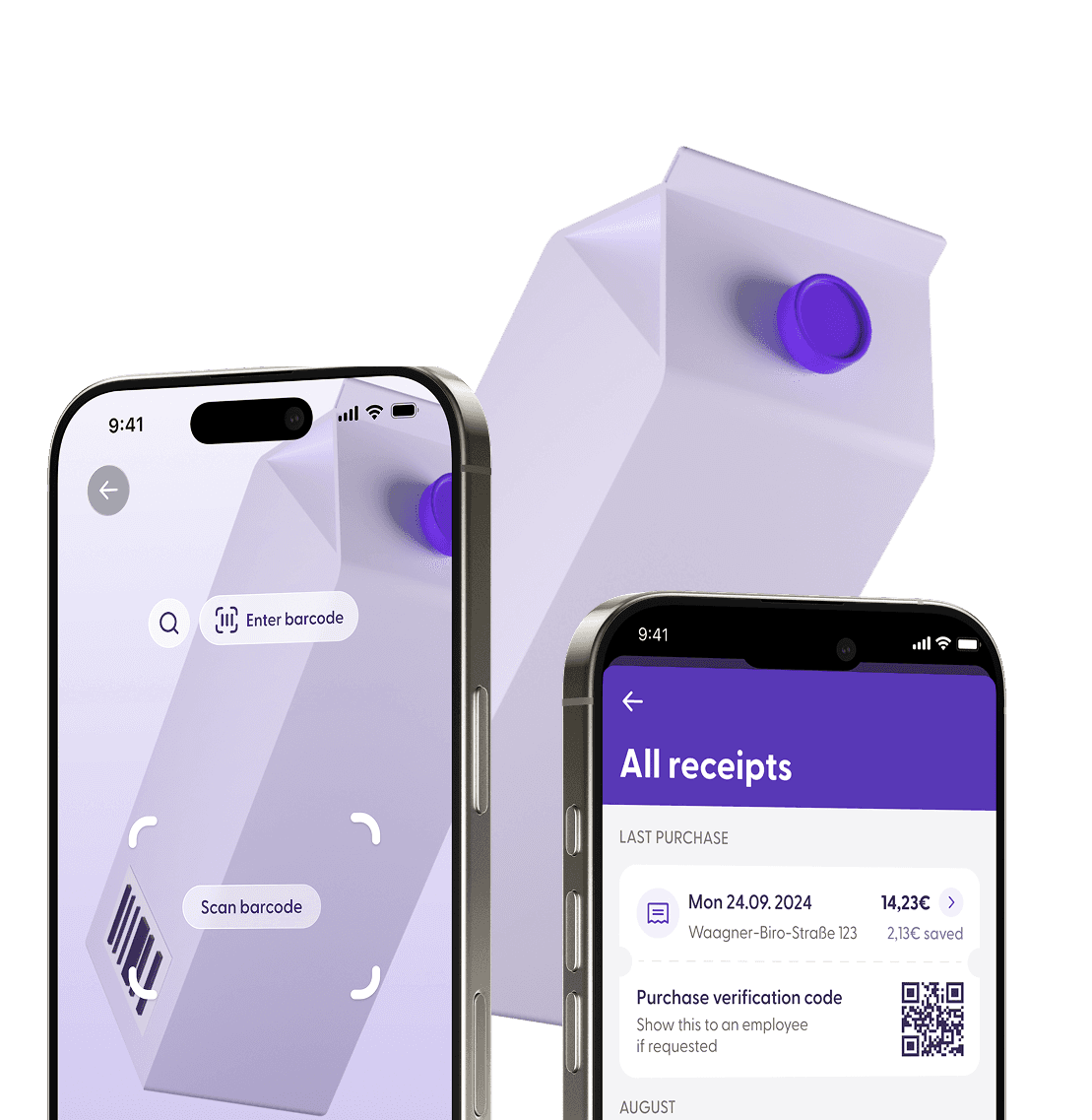
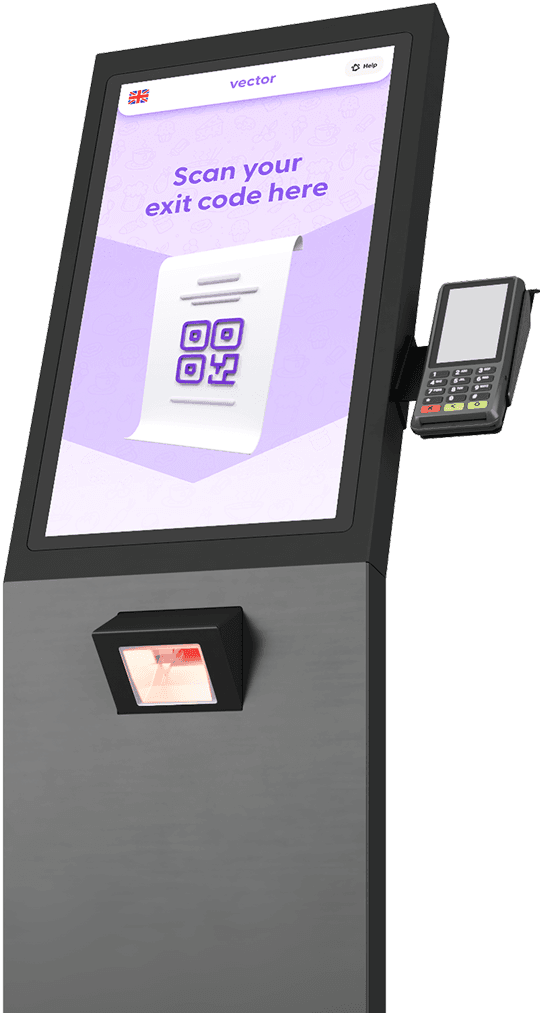
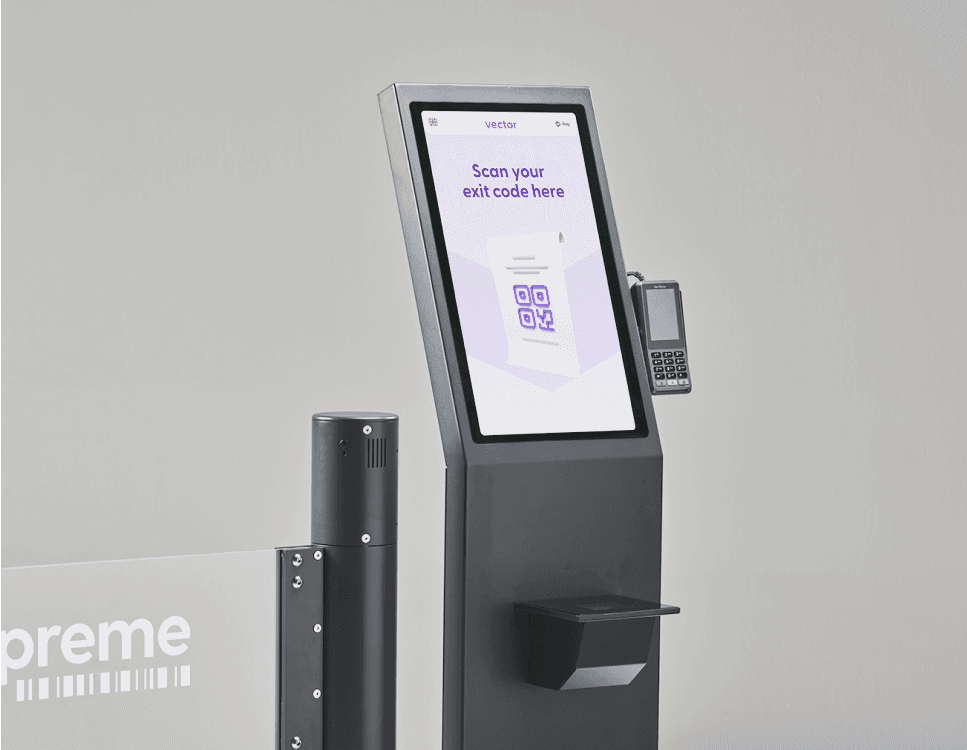
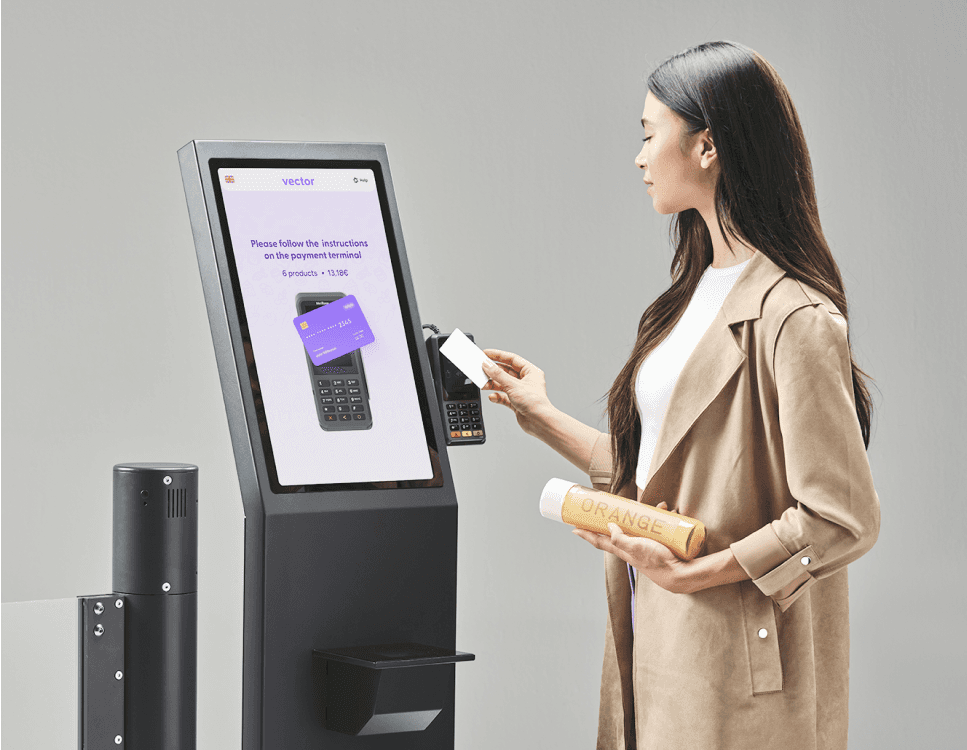
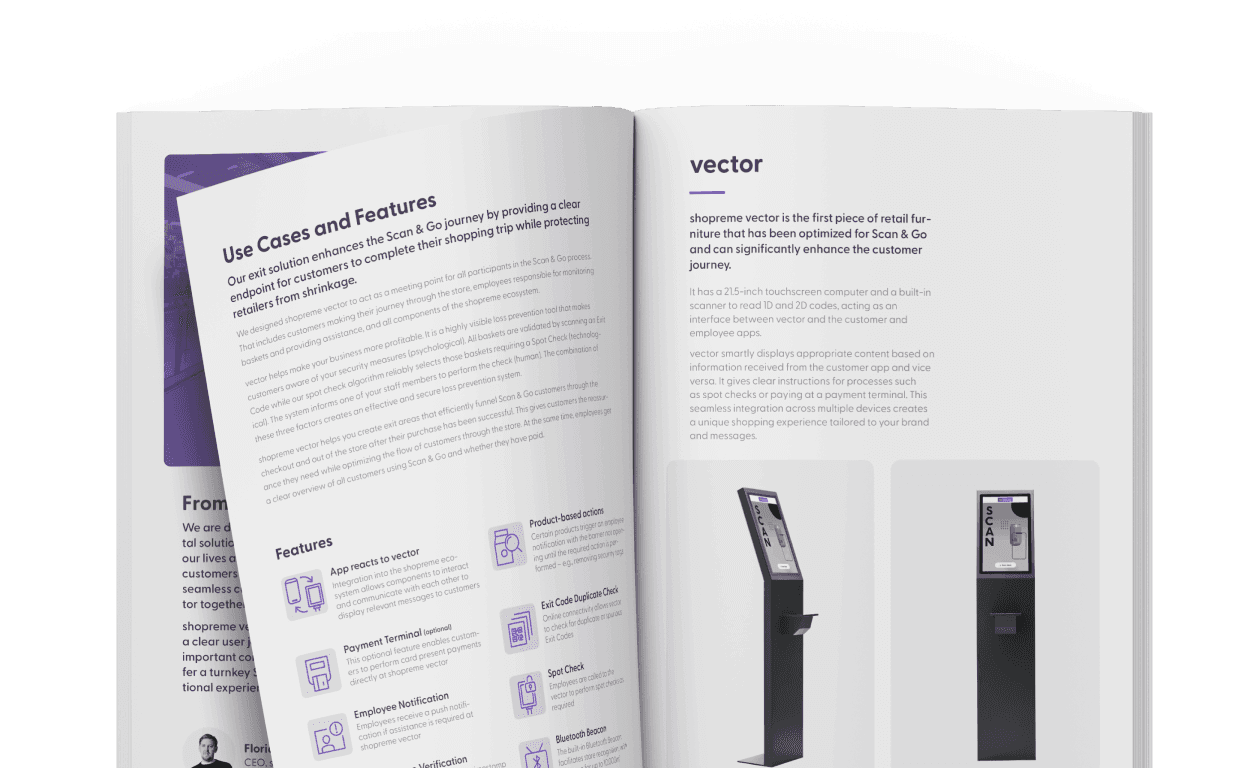
Terminal interactivo de salida
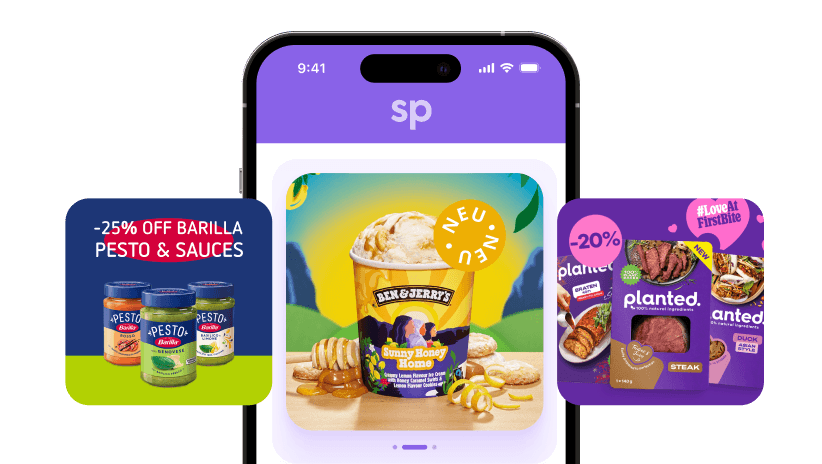
El diseño intuitivo de la experiencia de usuario te permite mostrar mensajes relevantes a los clientes tanto en la pantalla como en la aplicación, guiándolos a lo largo de todo el proceso

Acciones basadas en productos

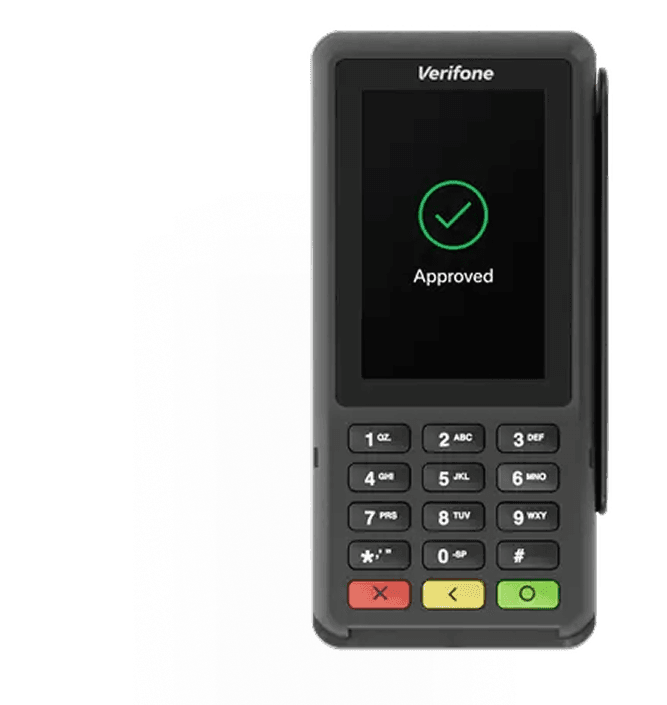
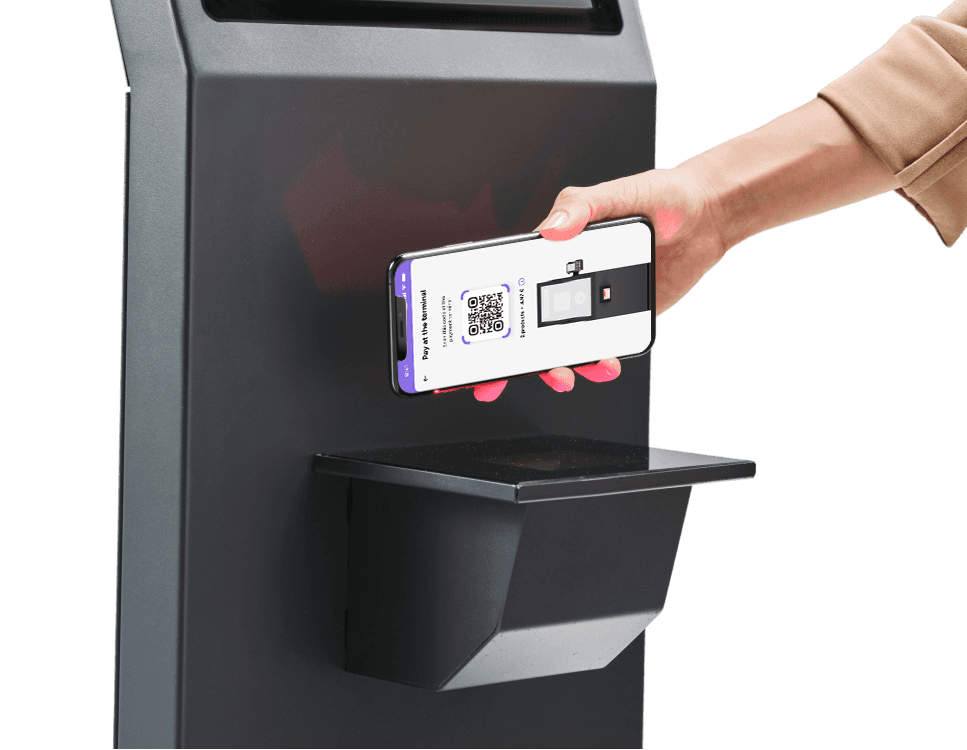
Terminal de pago
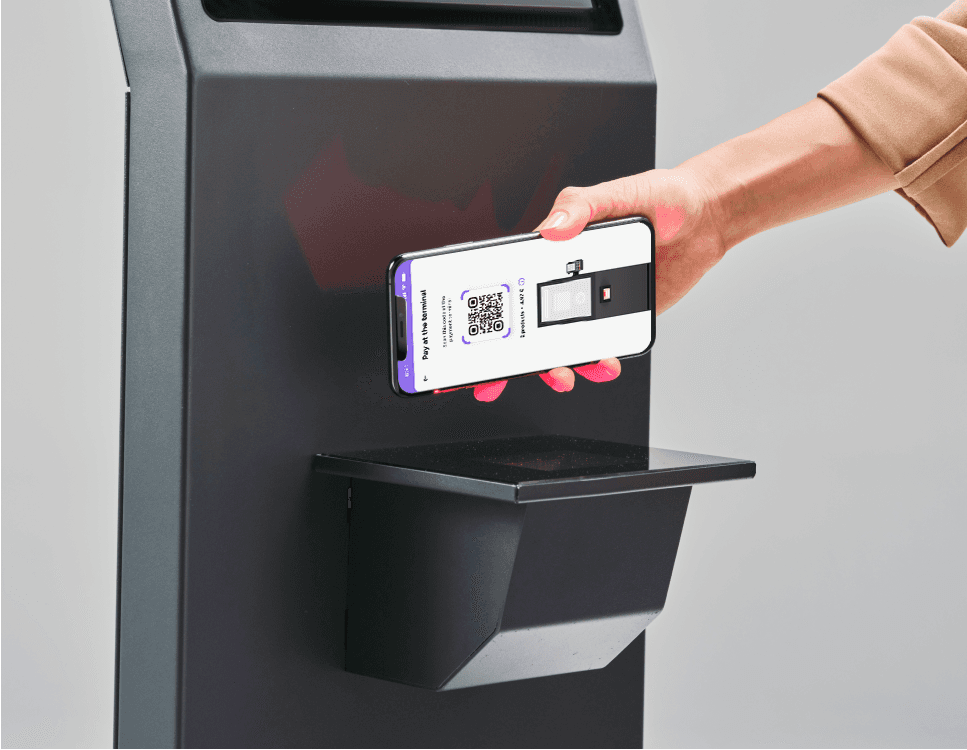
Permite a los clientes de Scan & Go
pagar directamente en la
terminal de salida
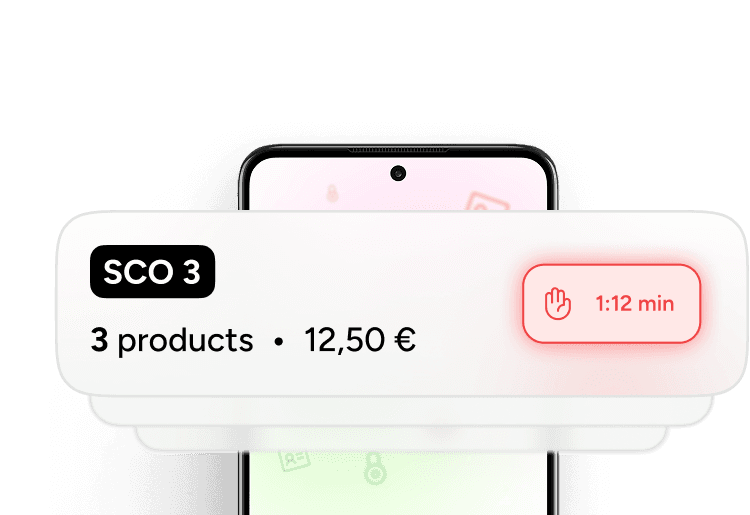
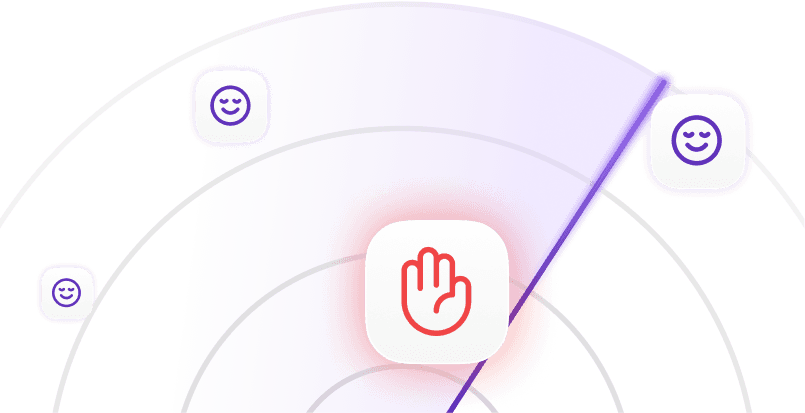
Inspecciones aleatorias
Se convoca a los empleados a
shopreme vector para realizar inspecciones aleatorias


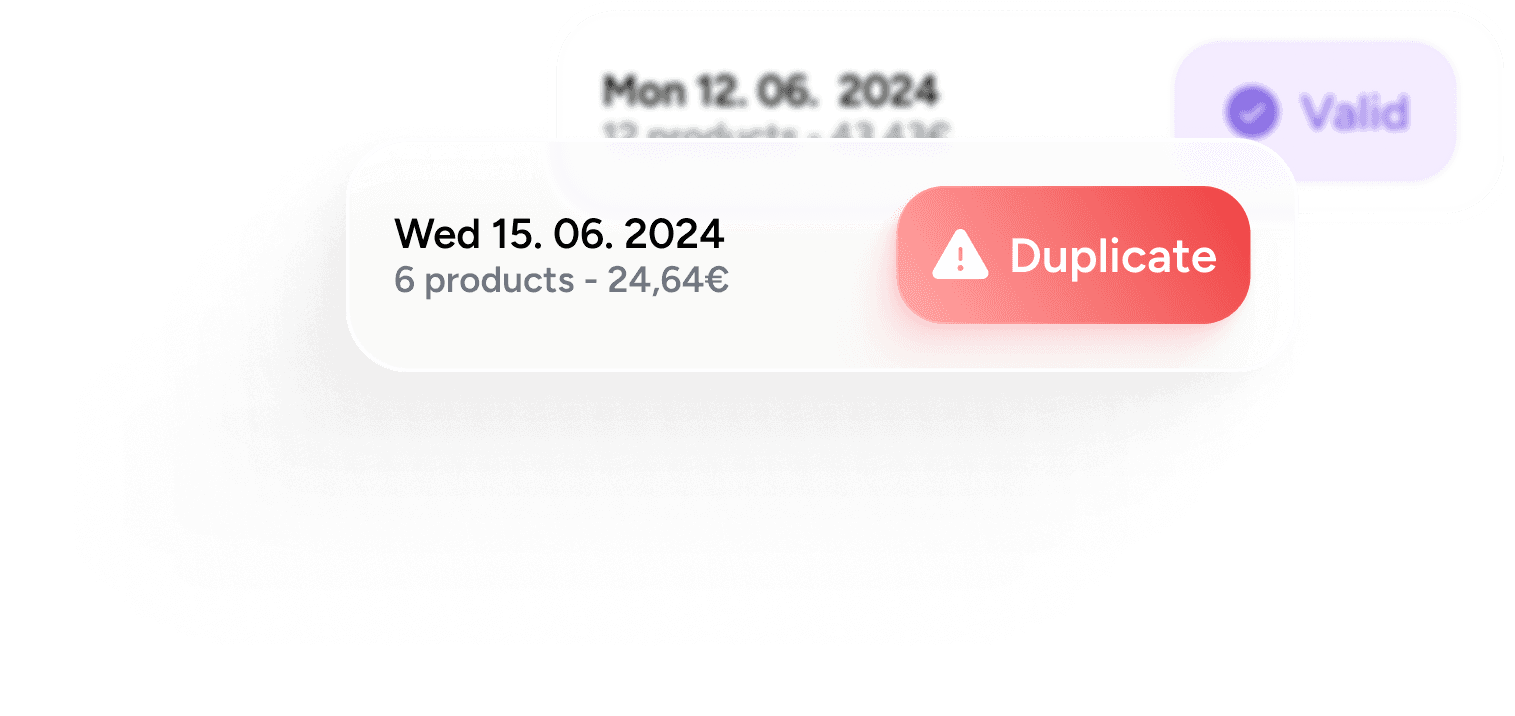
Comprobación de duplicados y verificación de marcas de tiempo
Comprueba si hay códigos de salida duplicados o que no cumplen los requisitos y evita que se utilicen códigos obsoletos
Baliza Bluetooth
Facilita el reconocimiento de la tienda (cobertura de 10 000 m²)

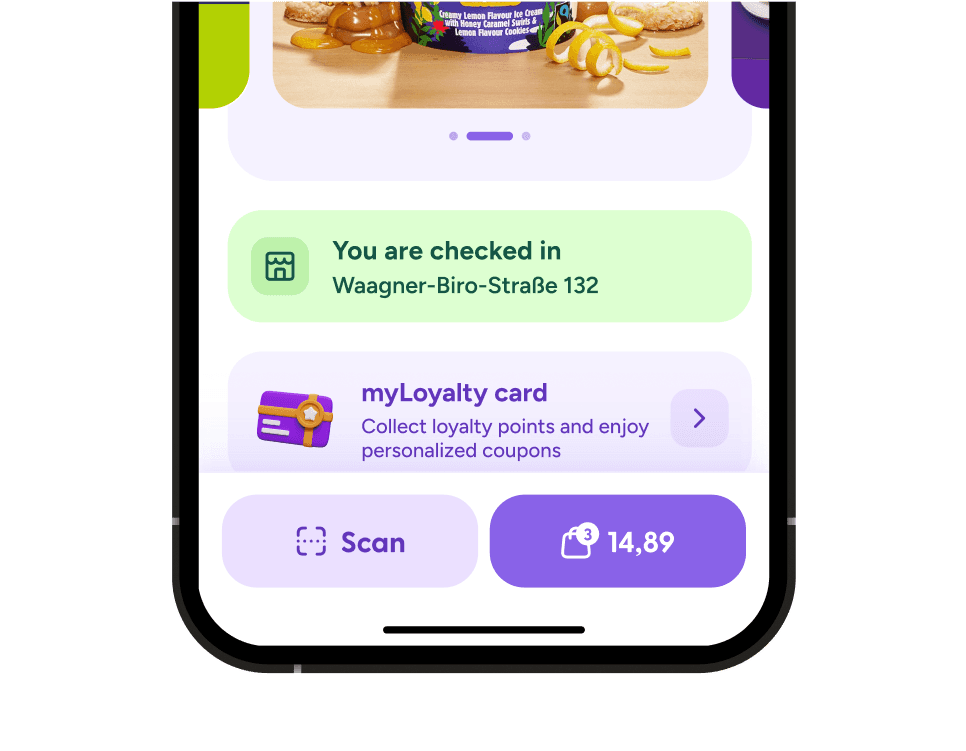
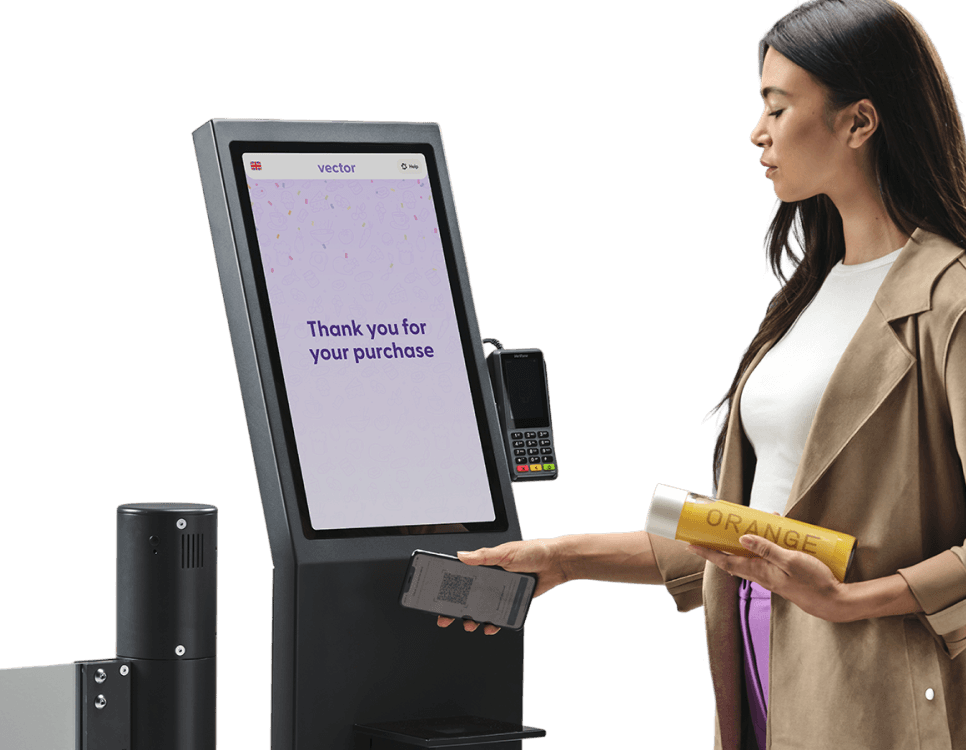
El recorrido del usuario se puede configurar según tus requisitos y las necesidades de tus empleados y clientes. El recorrido básico al utilizar el terminal de salida shopreme vector es el siguiente:


“They excel at adaptivity, flexibility, and fast development”




“At REWE, we are very glad that we chose shopreme for our Scan & Go solution.
They excel at their adaptivity, flexibility for custom solutions, and their fast development cycle"

Oliver Schnurr
Product Owner, REWE digital
De los creadores
El software y las aplicaciones móviles de Crisp forman parte de nuestro ADN. Al unir nuestra experiencia con la de umdasch The Store Makers, que lleva más de 150 años fabricando equipos para el sector minorista, hemos creado una caja de autopago que los clientes realmente quieren utilizar. Por fin, una caja de autopago diseñada para los consumidores y creada para los minoristas.

Preguntas frecuentes
Respuestas a tus preguntas. ¿Nos hemos olvidado de algo? ¡No dudes en ponerte en contacto con nosotros!
What are the advantages of combining a Self-Checkout exit gate with a payment terminal?
Integrating a payment terminal into the vector Self-Checkout exit solution creates a secure, convenient, and space-efficient Self-Checkout journey for modern retail environments. This integration combines the physical and psychological endpoint of the Scan & Go journey with an additional payment option, enhancing convenience for customers and protection for retailers.
Key advantages:
One clear endpoint for payment and exit validation
Stronger theft deterrence by paying and validating the purchase before passing the exit gate
Optimized use of store space by combining two functions in one terminal
Can I install a Self-Checkout Exit Terminal without replacing my POS system?
Yes, the shopreme vector Exit Terminal can be implemented without replacing your existing POS system. Additionally, the vector Exit Terminal can be integrated with any third-party gate provider. With a single integration to your POS, you gain access to all shopreme features:
This approach enables retailers to select the Self-Checkout solutions they need for each store setup, scaling quickly while being able to manage everything centrally. The shopreme Management Console offers detailed analytics, remote hardware management, and Retail Media content control, all in one place.
Because shopreme’s software solutions are hardware-agnostic, it can be integrated with third-party solutions, ensuring maximum flexibility for retailers.
Can Scan & Go customers pay directly at the vector Exit Terminal?
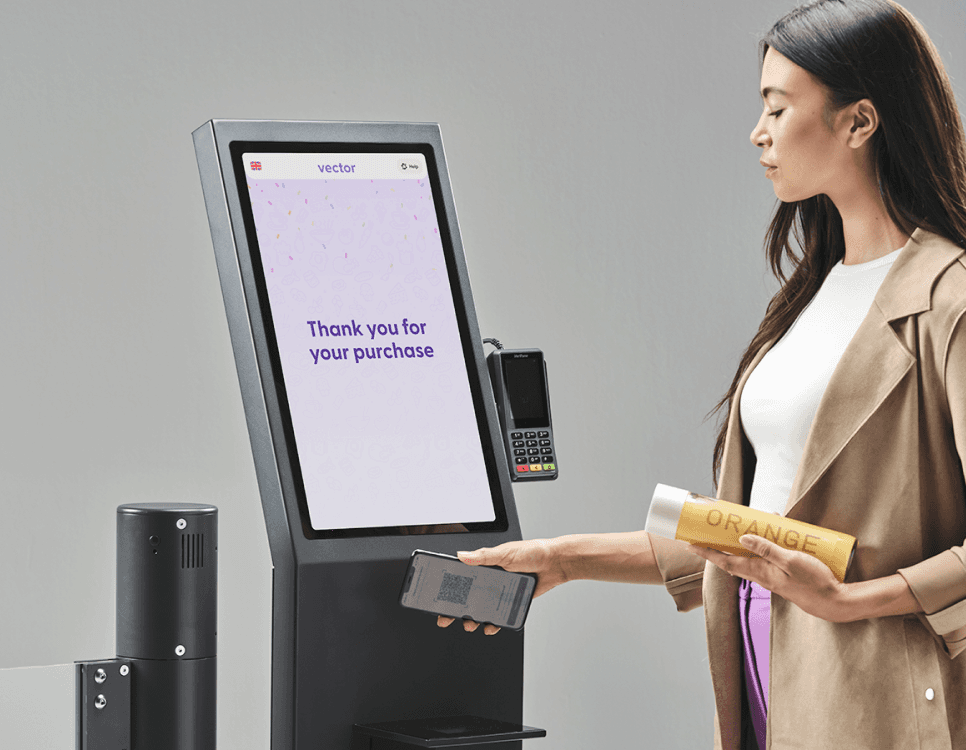
Yes. Depending on the store setup, Scan & Go customers can complete their purchase either directly in the app or at the vector by scanning a QR code to proceed with payment directly at the exit terminal. Once the transaction is complete, a digital receipt is automatically stored in the Scan & Go app.
Since every shopreme solution is fully integrated into the shopreme ecosystem, retailers can easily combine different Self-Checkout touchpoints and manage them all through the shopreme Management Console. In addition to detailed analytics, the Management Console enables remote hardware management, device monitoring, Retail Media content management, and more across all stores and devices.
The same principle applies to the matrix Self-Checkout Kiosk, allowing Scan & Go customers to complete their purchase. This option is often used in regions where printed receipts are required.
How does the vector Exit Solution help reduce theft in Self-Checkout environments?
In short: The shopreme vector exit solution reduces theft in Self-Checkout environments by serving as a physical and psychological endpoint, secure QR code validation, and optional spot checks at checkout. While providing deterrence, it is also an optional payment terminal for Scan & Go users to ensure a smooth and secure checkout process.
The most successful approaches to loss prevention combine technology, psychology, and human oversight to minimize risk without harming the shopping experience.
How shopreme vector reduces theft
Psychological deterrent and physical barrier
Receipt validation via QR code with optional exit gate integration
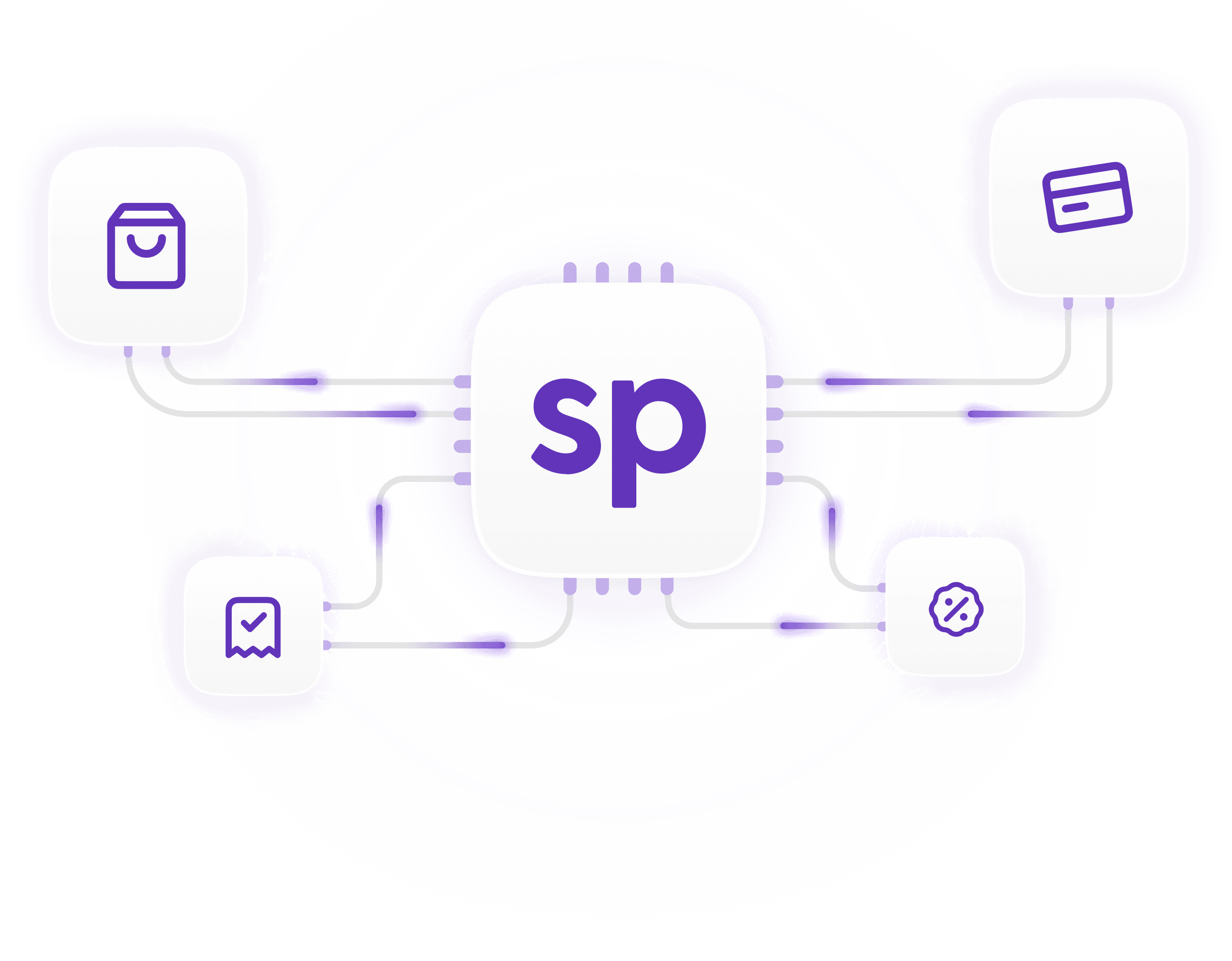
Fully integrated with shopreme’s multi-layered loss prevention software flagging suspicious baskets and behavior
Triggers (optional) risk-based spot checks at checkout
What is a Self-Checkout Exit System, and how does it work in a retail store?
In short: A Self-Checkout exit system like the shopreme vector is the physical and psychological endpoint of Self-Checkout journeys. It fosters customer trust and clarity, and protects retailers against shrinkage.
A self-checkout exit system is a dedicated in-store solution that secures and optimizes the exit process for customers using Self-Checkout options, such as Scan & Go, Self-Checkout Kiosks, or smart carts. It provides a physical endpoint to the shopping journey, reducing shrinkage while ensuring a smooth customer experience.
The vector, developed by shopreme and umdasch The Store Makers, is an interactive, modular, customizable exit terminal that integrates seamlessly with any third-party gate provider.
How it works:
Defines a clear, physical endpoint for Self-Checkout journeys: Customers know where to safely exit the store, and employees can identify Self-Checkout users.
Optionally integrates with exit gates: Customers validate their purchase by checking out scanning a QR on the receipt.
Protects against shrink: Creating both psychological and physical barriers, reducing opportunities for theft and loss.
Optionally supports multiple payment methods: Self-checkout customers can optionally pay and checkout at the vector.